
September 2026 update: publish an accurate sitemap as a discovery hint, not a ranking control
An XML sitemap is a machine-readable list of URLs a site wants search engines to know about. It helps discovery, particularly on a large site or where some pages are not well connected through normal navigation. It does not make a page useful, make it eligible for indexing, or guarantee that a crawler will fetch the URL. A sitemap is a hint in a wider crawling and indexing process.
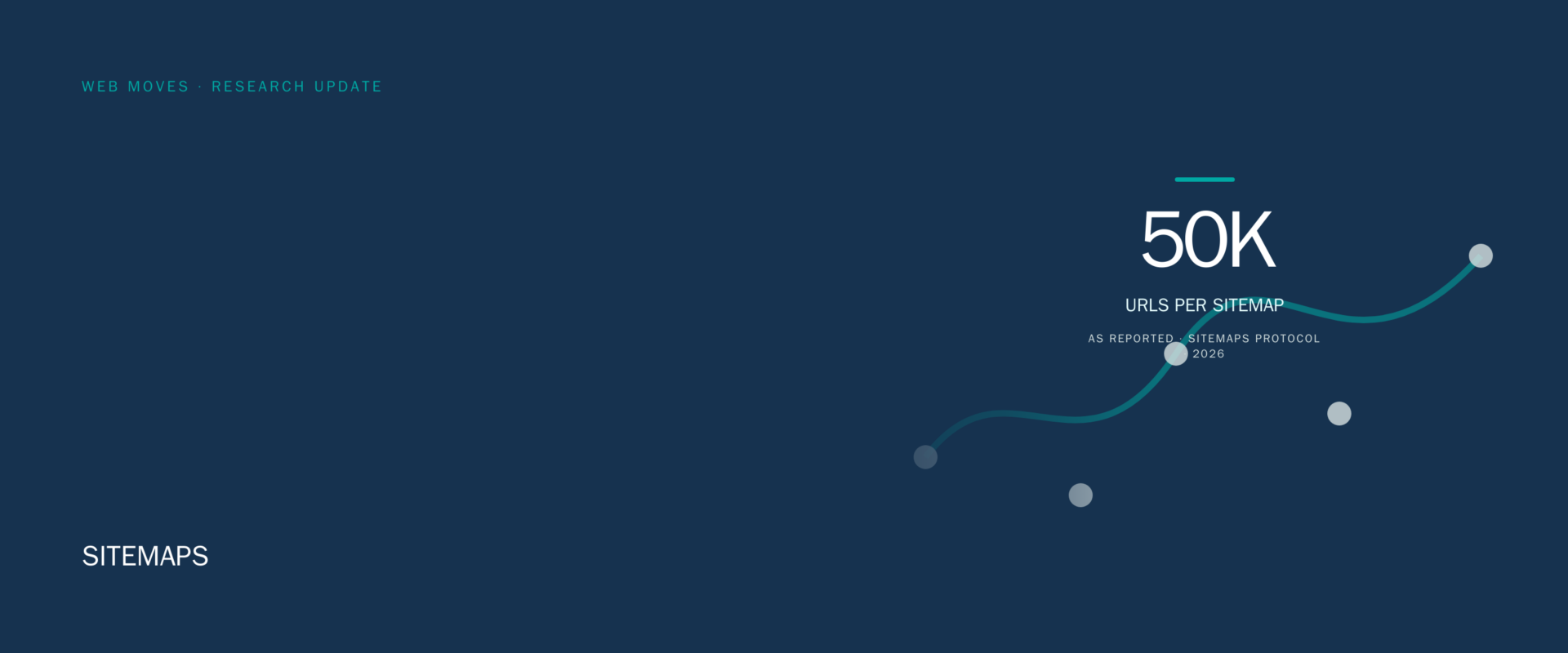
The Sitemap protocol and Google’s sitemap documentation set practical file limits: a sitemap can contain no more than 50,000 URLs and must be no larger than 50 MB when uncompressed. A larger inventory needs multiple sitemap files and a sitemap index. Those limits are operational constraints, not a target. A small, accurate file is better than a large export full of redirects, non-canonical URLs, blocked pages or URLs that no longer return a useful response.
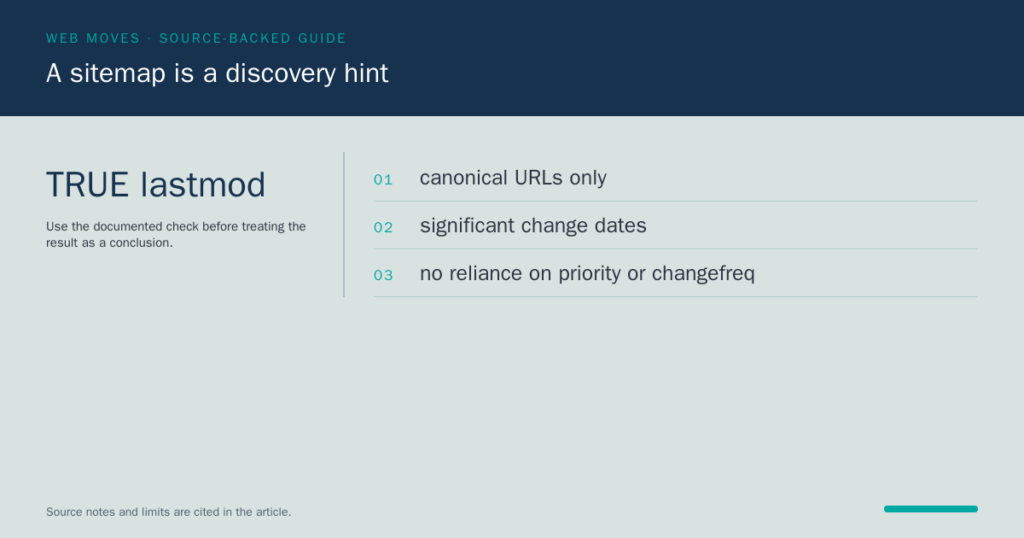
The lastmod value deserves particular care. Use it when the page changed in a way that matters to the content a searcher would receive. Do not update every value automatically because a deployment or database process touched a record. Google says it ignores the old priority and changefreq values, so they should not drive editorial or crawling decisions. Accurate canonical URLs, real update dates and consistent response status are more valuable than decorative metadata.
Submit the sitemap in Search Console and use the Sitemap report to see whether Google could fetch and process it. That report helps diagnose a file or URL problem; it is not evidence that every submitted URL is indexed. Bing likewise describes sitemaps as a way to keep content discoverable in AI-powered search, but discovery remains distinct from selection or ranking. Review the pages that matter in each platform’s reporting rather than treating a successful submission as a completed SEO task.
Keep a sitemap aligned with the public site. Include canonical URLs that should be discovered, remove URLs intentionally retired or redirected, and keep internal links strong enough that important pages do not depend on the file alone. The archive article below records older sitemap advice. The current approach is simpler: maintain an honest inventory, submit it through the available tools, and investigate the individual URL when a result matters.
Sources: Google guide to building a sitemap; Google sitemap overview; Google Search Console Sitemap report; Sitemaps protocol; Bing sitemap guidance.
Archive record

You have probably noticed that there will be a link on the home page of many websites that is labeled “Sitemap,” as can be seen in the lower right corner of the screen shot. The sitemap is an overview of the structural linkage of a website. While some people used to consider sitemaps as unnecessary to building a website, today having a sitemap is very important for any website. Your sitemap should be placed on your website’s home page. The home page often has the highest PageRank, so by putting the sitemap there, you’ll ensure that your pages get indexed as quickly as possible.

Search engine optimization of your site should be approached from a number of different directions. Sometimes sitemaps are an underestimated tool in your SEO toolbag, but they make things easier on both visitors and search engine robots trying to index your site. When you use your robots.txt file to tell a search engine what pages of your website to exclude when indexing it. The sitemap does the opposite. It tells the search engines where you want them to go.
Sitemaps have been around for awhile. They’ve been part of good web design for years, but now they are even more important due to the adoption of sitemaps by the web-crawling search bots. You should know that while Yahoo! still uses sitemaps in standard html format, Google sitemap uses an XML format that differs from the html sitemap that human visitors use. If you’re worried that having two sitemaps (one in html and one in XML) will be regarded as duplicate content, stop worrying. Google has stated outright that using a sitemap won’t lead to your site being penalized.
SEO is one reason to have a sitemap, and we’ll explore the reasons further in the next section. Other reasons to have a sitemap are for easier navigation within your site, emphasis of the theme of your site, and as “proof” of organization and relevance.
We’ve already talked about sitemaps as a tool in any multifaceted approach to SEO because they can be so helpful to the search engine web crawling robots. Here is how that works. Your sitemap is a page containing links to every page on your site. If a search engine robot hits this page, it will follow every link listed on the sitemap. That means that every page of your site is indexed by search engines. That’s also why a link to your sitemap should show up prominently on the front page of your website. And if your site undergoes changes, sitemaps inform the search engines that they have taken place. The result is that the changes will be indexed faster than if you don’t have a sitemap.
Navigation of your site will be much easier with a sitemap. Have you ever gone to a site and wondered how to find a page without having to poke around endlessly to find it? It’s a great relief to find a sitemap and find a link to exactly the page you were looking for. If you have a very large site, you need to make sure that your visitors can find their way around and back. It’s no fun to find yourself deep within the “shop” section and wanting to get to the “blog” section and not seeing an obvious way to get there. But knowing you can scroll down to the bottom of the page no matter where you are and finding a link to the sitemap makes things infinitely easier.
Sitemaps make it much easier to figure out a website’s theme. Suppose you were searching the web for sites about a certain politician, Mr. X. If you find a site that’s all about Mr. X, you can scroll down to the website and see links to pages within the site on “Great Accomplishments,” “Bio,” and other similar pages. That helps you if you’re a fan of Mr. X, but it also helps you if you can’t stand Mr. X, because you know right away if you want to find another site or stick with the one you are on. Your sitemap gives you the “snapshot” of your site’s theme, so that visitors don’t have to plow through page after page to figure out what your site is all about.
Visitors and search bots aren’t the only ones that sitemaps help. For example, a sitemap lets you, the webmaster have a view of your site’s makeup, and when you add new pages or sections, you can take into account the existing structure just by looking at the sitemap. That way you’ll have a well-organized site, with all the sections sorted out based on relevance.
One advantage of having a sitemap that you submit to the search engines is that you won’t have to rely so much on external links directing the search engines to your website. Sitemaps can also help in the event that you have broken internal links or “orphan” pages that can’t be reached another way. Of course you should fix these problems, but your sitemap can help out temporarily.
For new sites, or sites with lots of new or recently updated pages, using a sitemap can help a lot. Sure, you can go without a sitemap, but they are becoming more standard in terms of submitting websites to search engines. The bots, of course, will continue to index the web, and sitemaps won’t make that procedure go away, but having a sitemap is, if anything, becoming more important to getting your website seen and recognized.