
September 2026 update: model the event before sending it
The ga.js approach in the archive record is not a current collection method. GA4 uses an event-based model through its documented collection interfaces, including the Google tag and Measurement Protocol. A current implementation should begin with the action that needs to be understood, the parameters that give it context and the report that will use those fields. Collecting an event because a click is available does not make it useful for analysis.
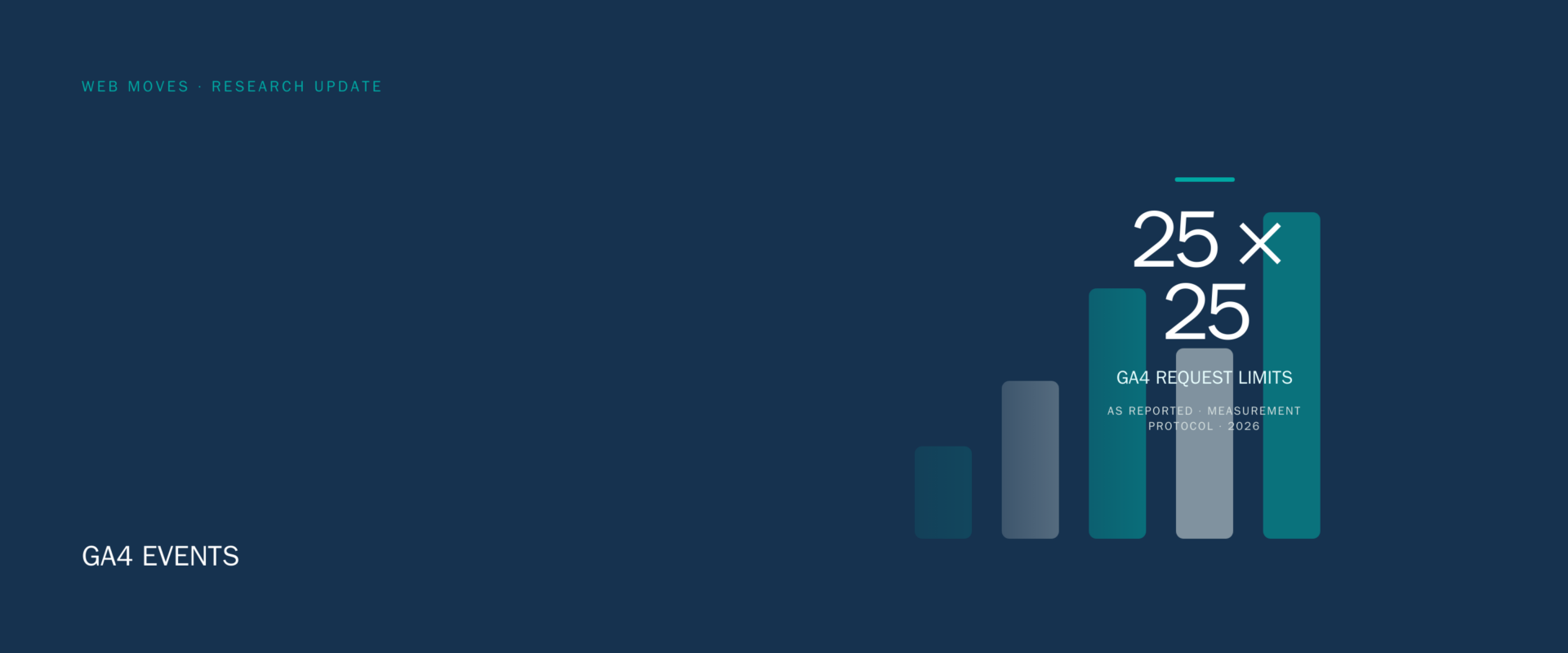
Google’s limits are part of that design. A Measurement Protocol request can include up to 25 events, and an event can include up to 25 parameters. Parameter names have a 40-character limit and parameter values have a 100-character limit where the documentation specifies those limits. Those are collection limits, not a measurement plan. Keep parameter names stable, avoid putting free-form personal data in them, and document the expected values before publishing code.
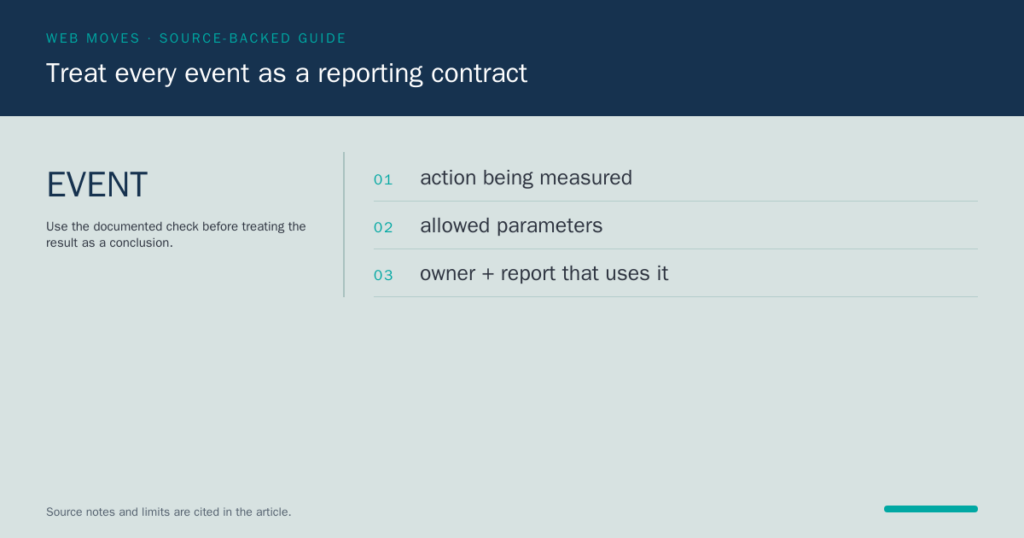
Validate events before relying on a dashboard. The Measurement Protocol reference and validation guidance distinguish between accepted payloads and data that is meaningful for the intended report. Check the event name, required identifiers, parameter spelling, timestamps and any custom definition needed for reporting. Use a staging or controlled release where possible, then confirm the event in the appropriate GA4 views before treating it as a source for a business decision.
Consent is a separate responsibility. Consent Mode communicates consent choices to Google tags; it is not itself a legal conclusion about whether a site has obtained valid consent or met every privacy obligation. Configure collection and storage practices for the jurisdictions and services involved, publish a clear notice, and do not send prohibited or personally identifying data. Google’s Measurement Protocol policy sets limits on the data that may be sent and should be read alongside the implementation documentation.
Use event data to answer a defined question, such as whether a form submission completed or a documented resource was requested. Do not treat a single event as proof of revenue, lead quality or search performance without the data needed to establish that relationship. The older tracking example remains below as an archive record. For current work, use GA4’s event model, validate the payload and retain the implementation notes with the reporting definition.
Sources: GA4 events documentation; GA4 event parameters documentation; GA4 Measurement Protocol reference; GA4 event validation guidance; Google Consent Mode documentation; Google Analytics Measurement Protocol policy.
Archive record

Track any client side event with google analytics
By: Bob Tantlinger
I’ve recently been doing some work integrating social media events, such as facebook likes, with google anayltics and was pleased to find that Google gives you a deep level of control over what you can track. It occurred to me that since a social media “event” is not really much different than any other client side event, why not use google analytics to keep tabs on any event the visitor might trigger.
With just a few lines of code, you can take your analytics a step further and get some fine grained details about not only your visitors, but their interaction with your web site. Using the techniques I show below you can answer questions such as:
- Did the user scroll a section of your page into view?
- Did the user start filling out a form?
- Did the user encounter an error while interacting with your site?
- Did the visitor move their mouse over a particular page element?
These are just few examples off the top of my head for how this could be useful, but you get the point. The sky is virtually the limit on what you can track.
Get Tracking with _trackEvent
So, let’s dig in with a quick and dirty example that shows how to detect if a user mouses over a a specific image on your page. To get started, you’ll need:
- A google anyltics account (Obviously)
- The google tracking code installed in your sites head
- JQuery included in your page
When you include google’s tracking code in your html, it brings in a global variable named _gat (Google analytics tracker) . Using this variable, we have a handle by which we can get all trackers that have been included on the page. Using the tracker objects, we can push arbitrary events onto the _gaq (google anyltics queue) to be tracked. They can be anything. Their meaning is entirely up to you.
After an event has been pushed onto the queue as an event, you can monitor them under the “Events” section in your google analytics account. (If you’re the pointy hair type, it’s probably neat idea to set up goals for your events!)
So, the steps thus far are:
- Decide what arbitrary events you want to track
- Get a handle on all trackers included on the current page with _gat
- Use the tracker to send an event to GA.
In our example, we will present the user with some images of food and ask which is their favorite. We want to know when a user mouses over an image, what type of image it was, and which food they select. With this in mind we might write with some code such as this (Take note of comments)
<!DOCTYPE html>
<html>
    <head>
        <title>Track a mouse over image event</title>
        <meta http-equiv="Content-Type" content="text/html; charset=UTF-8">
        <style type="text/css">
            h1{text-align: center;}
            p{text-align: center;}
            img{border: 1px solid #333;}
        </style>

        <!-- include jQuery -->
        <script type="text/javascript" src="http://ajax.googleapis.com/ajax/libs/jquery/1.7.1/jquery.min.js"></script>

        <script type="text/javascript">
            var _ga = _ga || {}; //ensure that _ga has been initialized
            var _gaq = _gaq || [];
            /*
             * Define a function on the _ga object that will automatically push events to all the registered trackers
             * It is possible that there is more than one tracker, hence this function
             */
            _ga.getEventTrackers_ = function(category, action, opt_label) {
                //we can return this anonnymous function and pass it to the _gaq
                return function() {
                    var trackers = _gat._getTrackers(); //Gets an array of allt he trackers from the _gat object
                    for (var i = 0, tracker; tracker = trackers[i]; i++) {

                        //Now we have a handle to a tracker, we can send the event to GA
                        //The tracker returns a boolean true if the event was successfully tracked, false otherwise
                        var result = tracker._trackEvent(category, action, opt_label, 1);

                        //for debugging the event tracking we can check the return value
                        if(result) {
                            console.log("Tracked " + category + " event " + action + " " + opt_label + " successfully"); //log the event to the console.
                        } else {
                            console.log("Tracking " + category + " event " + action + " " + opt_label +  " FAILED"); //log the event to the console.
                        }
                    }
                };
            };


            /*
             * Wait for the document to be fully loaded, then bind events that we are interested to GA
             * In this example, we'll simply track what kind of image the user has moused over
             *
             */
            $(document).ready(function() {
                /*
                 * Bind mouseenter events to the images on the page
                 */
                $('img').mouseenter(function(){
                    //get the image id
                    var imgType = $(this).attr("id");
                    var label = $(this).attr("alt");

                    //push the mouse over event to GA
                    _gaq.push(_ga.getEventTrackers_("food", "mouseover", label, imgType));
                });

                /*
                 * Bind selection events to the radio buttons on the page
                 */
                $('input[name=food]').change(function(){
                    var imgType = $(this).attr("class");
                    var label = $(this).val();

                    //push the selection event to GA
                    _gaq.push(_ga.getEventTrackers_("food", "selection", label, imgType));

                });
            });
        </script>

        <!-- include your GA code snippet -->
        <script type="text/javascript">
            var _gaq = _gaq || [];
            _gaq.push(['_setAccount', 'UA-1234567-1']); //IMPORTANT - this is a dummy id, replace with YOUR ga id!!!
            _gaq.push(['_trackPageview']);
            (function() {
                var ga = document.createElement('script'); ga.type = 'text/javascript'; ga.async = true;
                ga.src = ('https:' == document.location.protocol ? 'https://ssl' : 'http://www') + '.google-analytics.com/ga.js';
                var s = document.getElementsByTagName('script')[0]; s.parentNode.insertBefore(ga, s);
            })();
        </script>
    </head>
    <body>
            <h1>Which is Most Tasty?</h1>
            <p>
                <input type="radio" name="food" class="hamburger" value="Hamburger" />Hamburger<br />
                <img id="hamburger" src="hamburger.jpg" alt="Hamburger" />
            </p>
            <p>
                <input type="radio" name="food" class="hotdog" value="Hot Dog" />Hot Dog<br />
                <img id="hotdog" src="hot-dog.jpg" alt="Hot Dog" />
            </p>
            <p>
                <input type="radio" name="food" class="pizza" value="Pizza" />Pizza<br />
                <img id="pizza" src="pizza.jpg" alt="Pizza" />
            </p>
    </body>
</html>
Rolling your mouse over the images or selecting a radio button fires events, which will then be pushed to Google Analytics, where you can keep track of them as show below.

You can see a working demo here.
This was just a simple example of the flexibility that Google’s analytic platform offers. Many more events can be tracked. You’re really only limited by your imagination.